
Overview
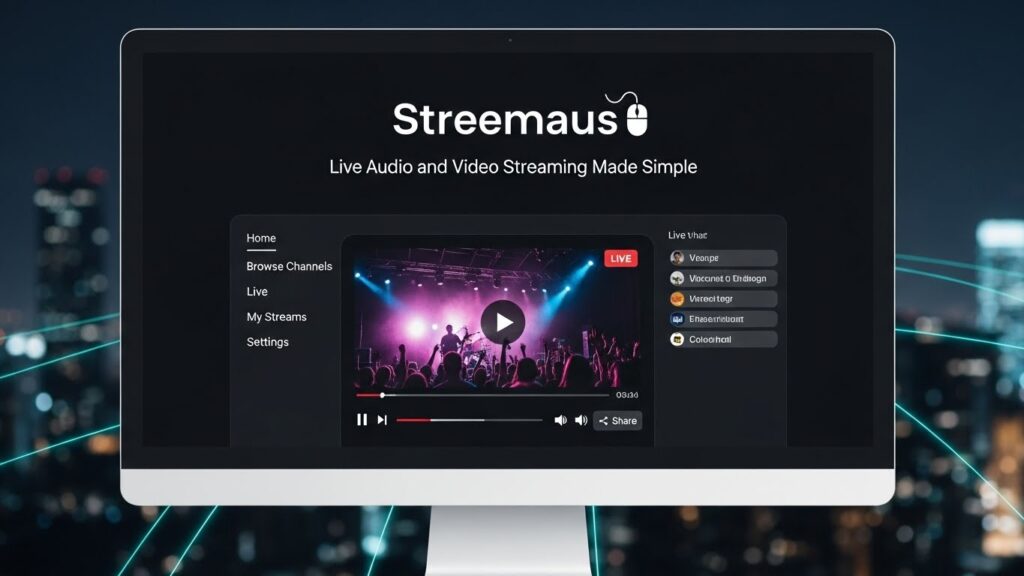
Streemaus is a streamlined platform for live audio and video broadcasting that focuses on clarity, reliability, and low setup friction. If you’ve ever wrestled with encoders, bitrate math, or flaky connections, Streemaus pares the workflow down to the essentials: go live fast, stay stable, and reach audiences wherever they are. In this guide, I’ll break down how Streemaus works, who it’s for, and the practical steps to launch your first stream with confidence.
Why Choose Streemaus for Streaming
Streemaus balances simplicity with professional‑grade features. You can spin up a broadcast in minutes while still benefiting from adaptive delivery, crisp audio, and cross‑platform reach. The learning curve is gentle, and most creators won’t need a complex control room to look and sound polished.
The Core Value
- Low‑friction setup: browser‑based start with optional desktop app for advanced controls.
- Robust stability: adaptive bitrate and automatic reconnection keep streams alive during network hiccups.
- Multi‑destination syndication: publish simultaneously to major platforms (e.g., YouTube, Facebook, custom RTMP) while hosting on your own landing page.
Who It’s For
- Solo creators, podcasters, and educators who want reliable live sessions without a technical rabbit hole.
- Small businesses launching product demos, live Q&A, or webinars with minimal overhead.
- Community organizations and events that need accessible, inclusive streams on short notice.
Getting Started: From Zero to Live
The fastest way to appreciate Streemaus is to run a short test broadcast. Here’s the workflow I use when I’m helping a friend go live for the first time.
Step 1: Create a Project
- Define your goal (Q&A, webinar, performance, podcast).
- Pick destinations: your site, YouTube, Twitch, or an RTMP endpoint.
- Set a schedule and enable a countdown page to gather early viewers.
Step 2: Configure Audio and Video
- Camera: choose your primary webcam or mirrorless camera via capture card; lock exposure and white balance.
- Audio: favor an external mic; use a dynamic mic in untreated rooms, a condenser in treated spaces.
- Scene layout: prepare a few scenes (talking head, screen share, picture‑in‑picture) for fluid transitions.
Step 3: Connection and Bitrate
- Run an upstream speed test. Aim for at least 2× your target bitrate.
- Typical settings: 1080p at 4500–6000 kbps video, 128–192 kbps AAC audio; drop to 720p if your upload is under 8 Mbps.
- Turn on adaptive bitrate and automatic fallback to 720p to ride out congestion.
Step 4: Interactivity and Safety
- Enable chat overlays and on‑screen comments for engagement.
- Add stream delay (10–30 seconds) if you need moderation time.
- Activate profanity filters and link blocking; appoint a moderator for active chats.
Production Features That Matter
Polish doesn’t have to be complicated. A few thoughtful touches elevate your stream without distracting from the content.
Scenes, Overlays, and Branding
- Create reusable templates for lower thirds, name tags, and transitions.
- Keep color and typography consistent with your brand kit.
- Use minimal motion to avoid distracting viewers on mobile.
Screen Share and Media
- Share a full desktop or a single window; add a second monitor for smoother demos.
- Pre‑load short intro/outro videos and stingers; keep file sizes modest for quick switching.
- Use a media holding scene when troubleshooting live to avoid dead air.
Guests and Remote Interviews
- Invite guests with a secure link; test their mic, echo cancellation, and camera before going live.
- Provide a brief tech checklist: headphones, stable internet, quiet room, front lighting.
- Use a green room to pre‑screen guests and align on cues.
Audio Quality: Your Secret Weapon
Viewers will tolerate middling video but bounce on bad audio. Streemaus makes clean audio straightforward, but a couple of habits help.
Capture and Processing
- Position the mic 6–8 inches from your mouth; use a pop filter.
- Enable noise suppression and light compression; avoid heavy gating that clips words.
- Monitor with closed‑back headphones for leak control.
Redundancy
- Keep a backup mic ready (USB or lavalier). If your main mic fails, switch scenes and continue.
- Record a local copy in parallel to the cloud archive for post‑production safety.
Going Live on Multiple Platforms
Syndication expands reach without duplicating effort.
Strategy and Timing
- Tailor titles and descriptions per destination while keeping the thumbnail consistent.
- Stagger notifications: schedule the stream and post a teaser 24 hours and 1 hour before.
- Pin helpful links in chat (agenda, resources, signup).
RTMP and Custom Destinations
- Use provided RTMP keys for intranet events or privacy‑restricted communities.
- Verify firewall and port settings ahead of time; run a 2‑minute unlisted test.
Post‑Stream: Turn Live Into Evergreen
The end of a live session is the start of your asset pipeline.
Repurposing Workflow
- Trim the replay and add chapter markers for easy navigation.
- Export short highlights for social reels; target 15–45 seconds with captions.
- Generate a transcript for accessibility and SEO; post show notes with timecodes.
Analytics to Watch
- Concurrent viewers vs. average watch time: indicates pacing and segment strength.
- Chat velocity and engagement spikes: correlate with segment hooks or guest moments.
- Conversion events (clicks, signups, sales) tied to on‑screen CTAs.
Performance and Reliability
Streaming lives or dies on stability. Streemaus is engineered to keep your broadcast resilient when conditions aren’t ideal.
Network Resilience
- Adaptive bitrate dynamically scales quality to match available bandwidth.
- Automatic failover reconnects to the broadcast if your connection blips momentarily.
- Local recording ensures you still have a high‑quality file even if the live feed dips.
Device Flexibility
- Go live from a laptop, desktop, or modern mobile browser.
- Switch cameras mid‑stream; hot‑swap audio devices without dropping the broadcast.
- Use hardware encoders for mission‑critical events; Streemaus accepts standard RTMP/SRT inputs.
Security and Privacy Controls
Keeping your community safe is non‑negotiable.
Access and Moderation
- Private, unlisted, or public stream modes to match your audience needs.
- Role‑based access for team members (host, producer, moderator).
- Chat controls: keyword blocking, slow mode, and member‑only participation.
Data Handling
- Encrypted transport for stream ingest and playback.
- Optional watermarking for sensitive sessions.
- Compliance‑friendly logging for audits and enterprise governance.
Pricing and Scaling Considerations
Start lean and scale as your audience grows.
Cost Guardrails
- Entry tier for solo creators with generous hours and basic syndication.
- Pro plans add multi‑guest green rooms, custom branding, and higher bitrates.
- Event bundles for one‑off conferences with priority support and extra recording.
When to Upgrade
- You regularly exceed 200–300 concurrent viewers and need stronger CDN capacity.
- You require advanced SSO, analytics exports, or multi‑team workspaces.
- You want dedicated ingest regions for low‑latency interaction.
Best Practices Cheat Sheet
- Test everything 30–60 minutes before showtime; run a 2‑minute private rehearsal.
- Label scenes clearly and keep a printed run‑of‑show within arm’s reach.
- Maintain a backup internet option (phone hotspot or secondary ISP).
- Keep water nearby, mute when coughing, and hold eye contact with the lens.
Final Thoughts
Streemaus makes live audio and video streaming approachable without sacrificing the professional touches that build trust. With a lean setup, thoughtful scenes, and smart safety nets, you’ll launch broadcasts that look sharp, sound clean, and scale with your ambitions. Start simple, iterate each show, and let your audience feedback guide the next improvement.
